

A LITTLE LAYERING GOES A LONG WAY
Go on. Make it move.
Pick a background. Switch on a few effects. You’re already creating.
FOR EVERY KIND OF MOMENT
A background that belongs.
Worship
Gentle movement. Room for the words.
Concerts
Colour that belongs on a bigger stage.
Dance recitals
A different atmosphere for every performance.
And much more
Events, theatre and installations. Make the room your own.

START WITH WHAT YOU ALREADY HAVE
Use your own
photos and videos.
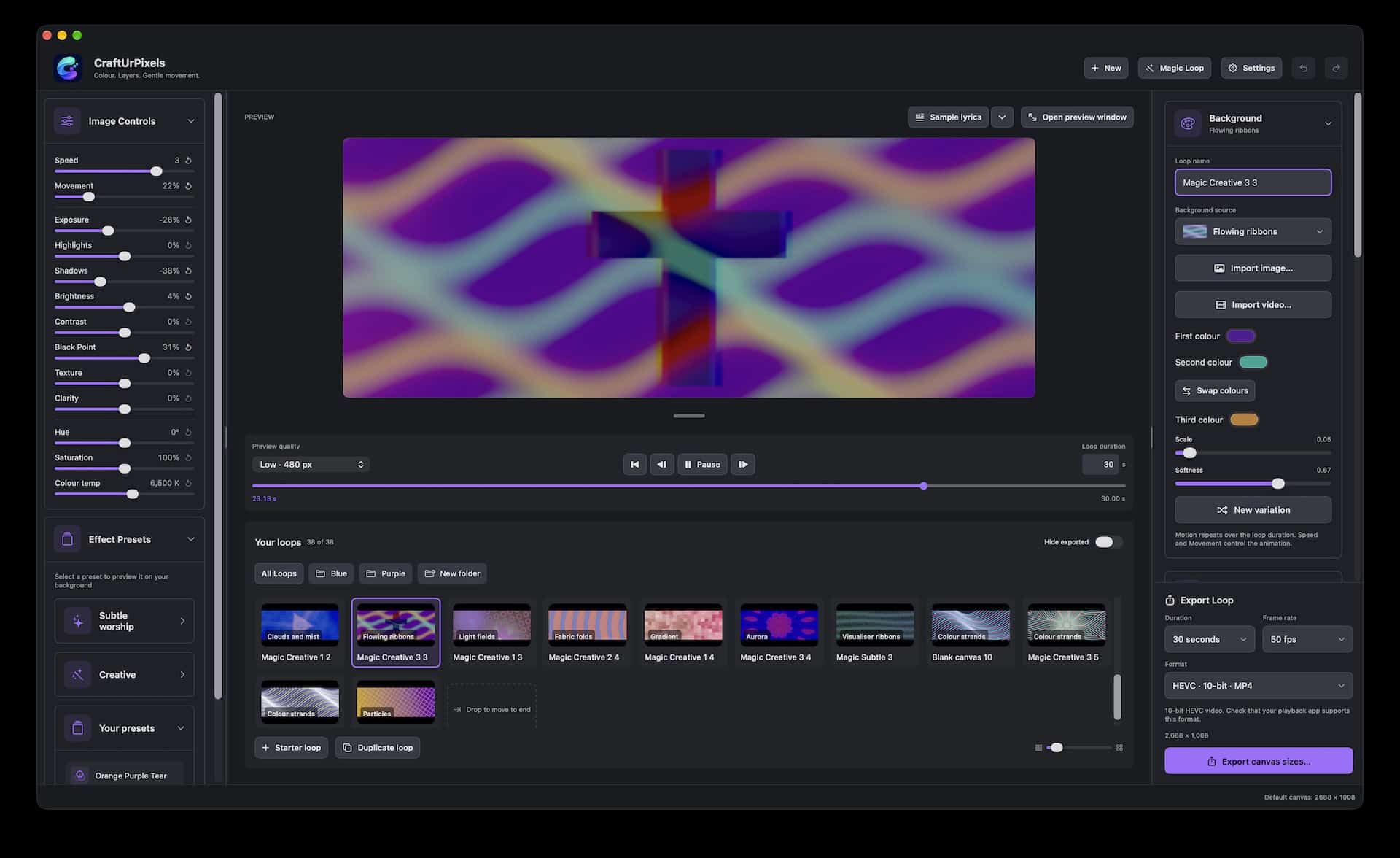
That landscape from your last trip. A clip from the coast. Or a simple wash of colour. Bring it into CraftUrPixels, layer on some effects and find a look that feels like you.
Simple controls, real creative freedom.
Adjust colours, movement, blur, particles, patterns and light.
Make it loop.
Trim video, play it forward and back, and ease the turns.
Save the good combinations.
Keep effect presets, share them and reuse them on another background.
MAGIC LOOP · IN THE MAC APP
One click. Three new starting points.
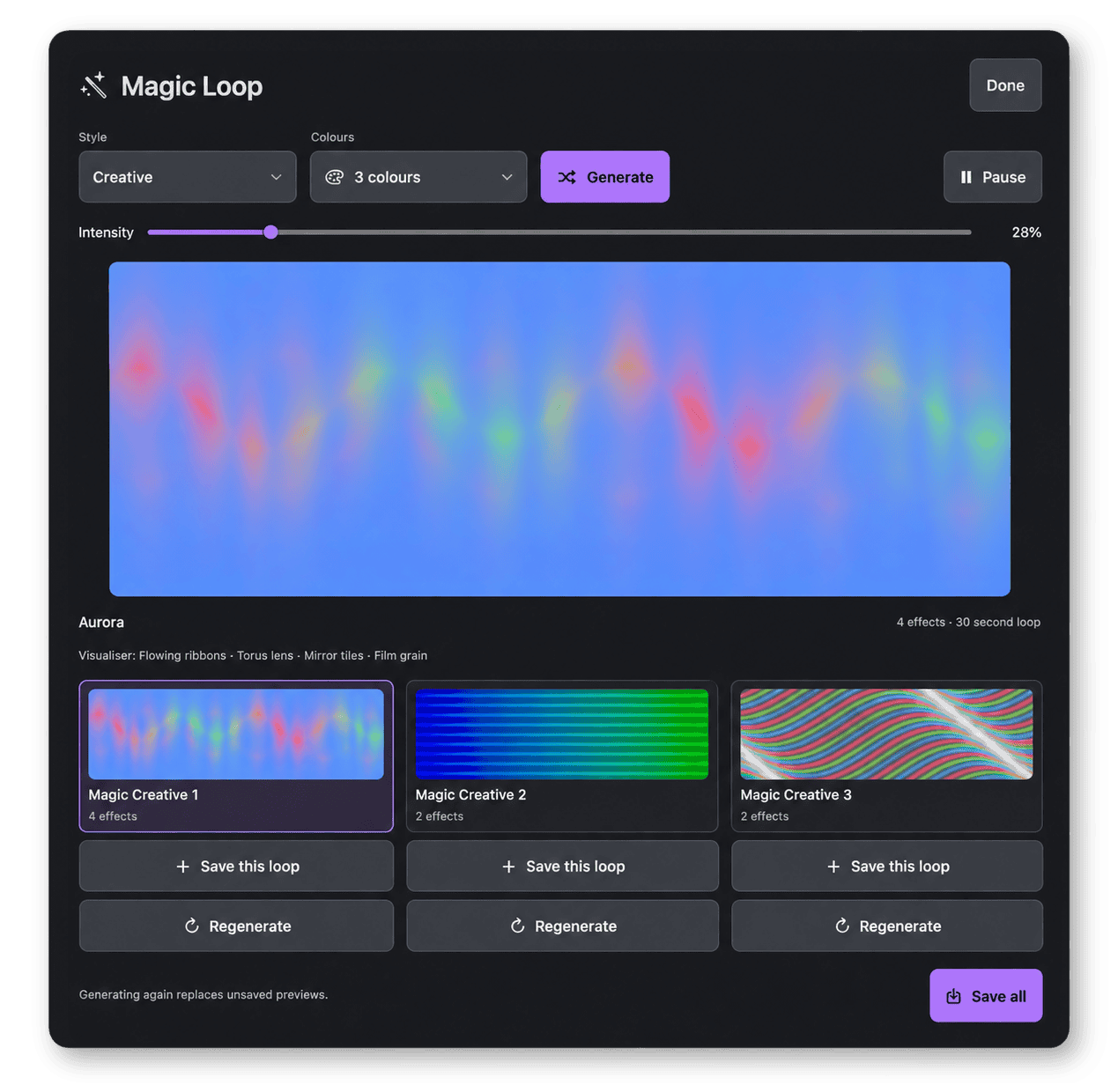
Not sure where to start? Click Magic Loop and let CraftUrPixels put a few ideas together. Each design combines a random background, colours and two to four effects, ready for you to preview and make your own.
CHOOSE THE FEEL
Subtle or Creative
Start with softer colours and gentle movement for worship, or try bolder combinations for concerts, dance recitals and events.
HELP GUIDE THE MAGIC
Choose Your Colours
Build your Magic Loop around one, two or three colours, or let the app choose them at random. A single colour creates lighter and darker shades for a coordinated design.
FIND YOUR BALANCE
Adjust the intensity
Move the Intensity slider and watch the designs change. Soften the motion and effects, or give a quiet background a little more energy.
KEEP YOUR FAVOURITES
Save one. Or all three.
Regenerate any single option without replacing the others. Save your favourites to Your Loops, then keep editing or export when you are ready.
LESS SETUP. MORE MAKING.
From idea to looping background.
In a few minutes.
01
Choose a starting point
Use your own media or start with a built-in background. Set the canvas to suit your screen.
02
Find your combination
Add a preset or build a stack yourself. Switch effects on and off, adjust the sliders and compare.
03
Make it yours. Make it loop.
Set the duration, check the motion and export the sizes you need.
Up to UHD
Including custom canvas sizes
10-bit options
HEVC and ProRes export
Multiple sizes
One look, ready for different screens
WHEN THE ROOM NEEDS SOMETHING DIFFERENT
Make it.
Change it.
Take it live.
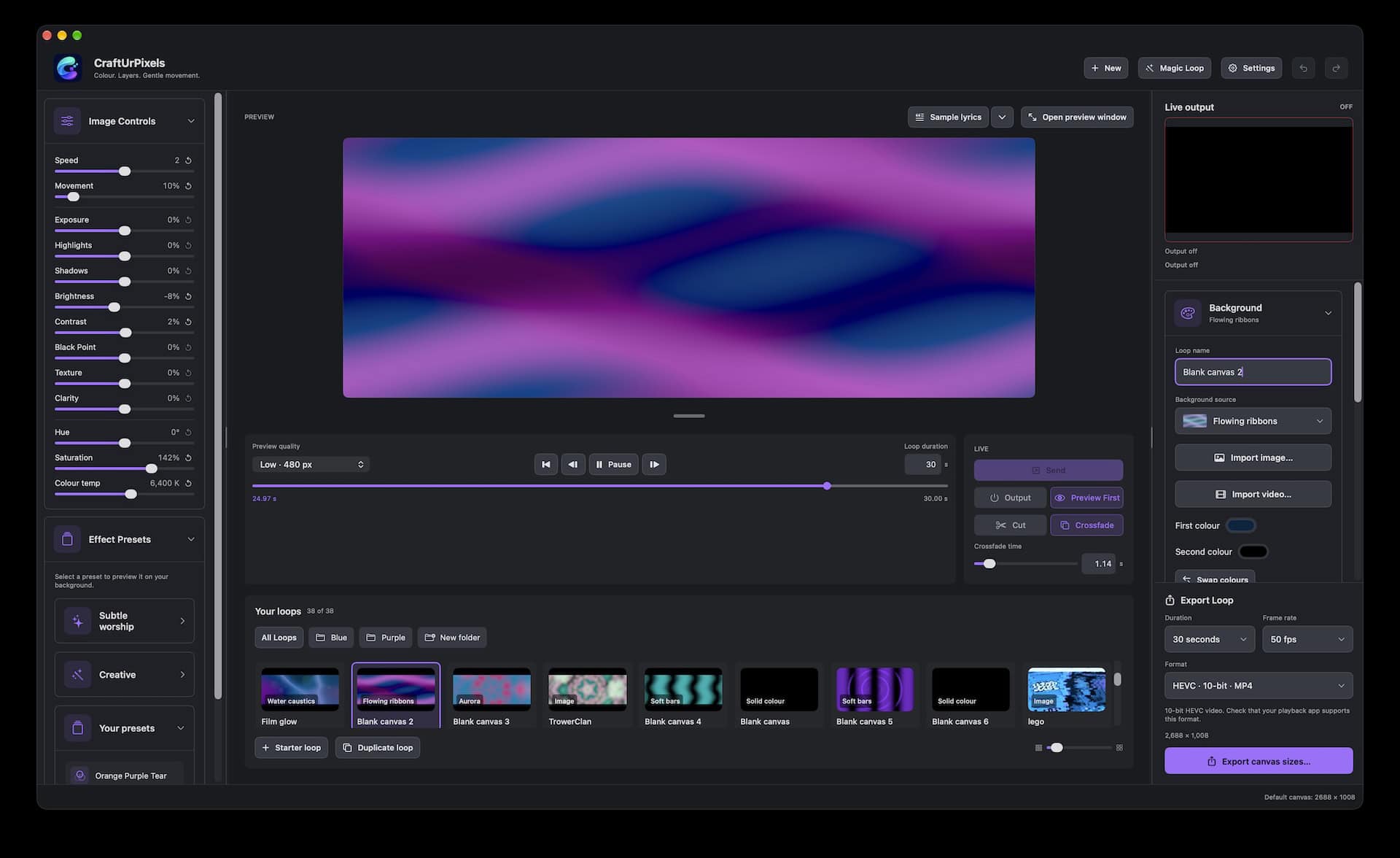
Live Mode turns CraftUrPixels into a background player you can create with. Keep one look on screen while you prepare the next. Make your adjustments, then send it when you’re ready.
- Clean full-screen output to a connected display
- Preview First, then Send with a cut or crossfade
- Fade output on and off with a single control
- RossTalk Custom Commands for Companion and remote triggers
A FEW THINGS YOU MIGHT BE WONDERING