

MultiRough
Your first pass. Your rules.
A rough multicam editor for Final Cut Pro.
Choose your cameras, keep your main audio and set the shot lengths. MultiRough gives you an editable first pass to finish in Final Cut Pro.
Download MultiRough for Mac Installation instructions
Free to use. Optional contributions welcome.
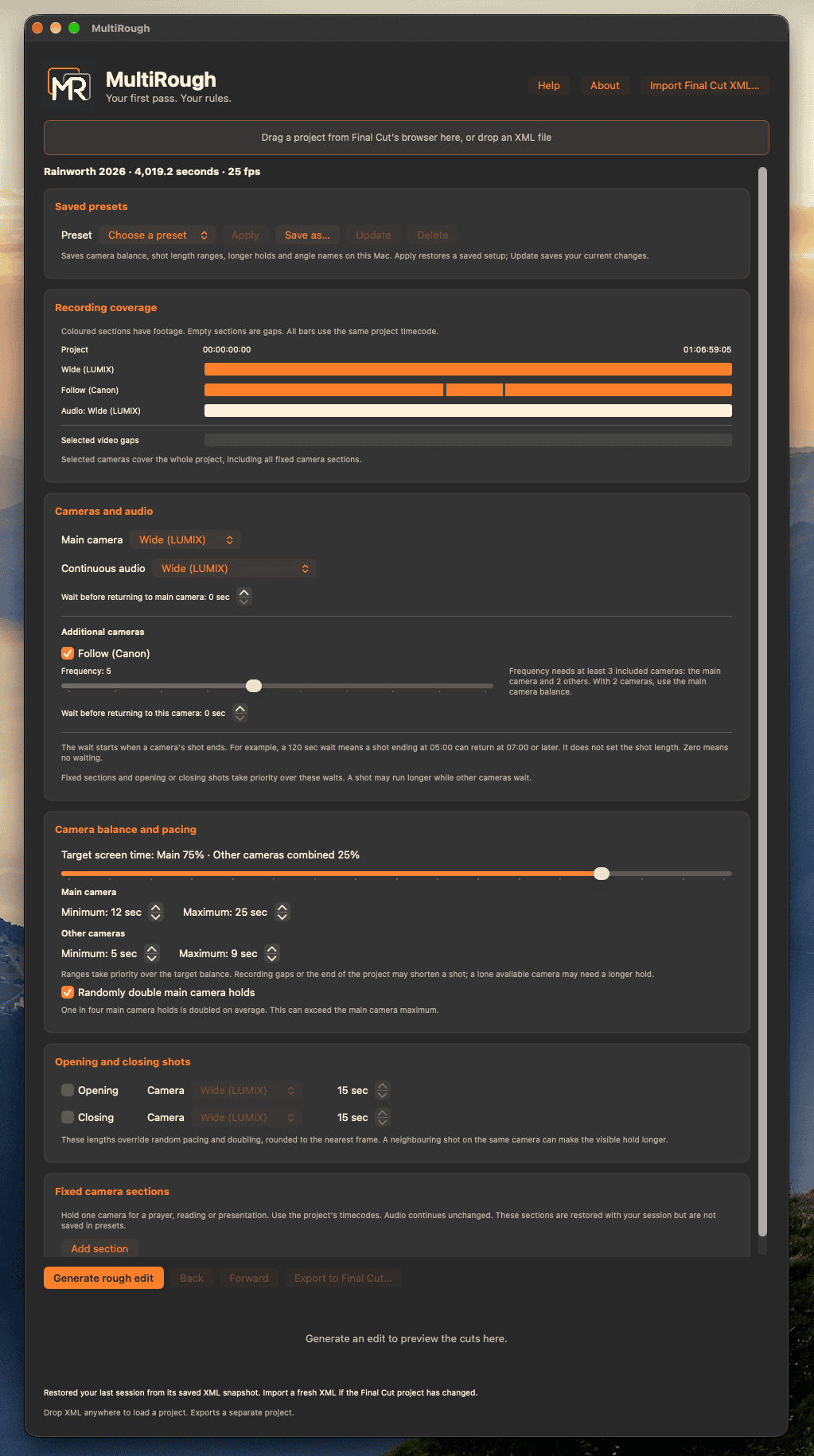
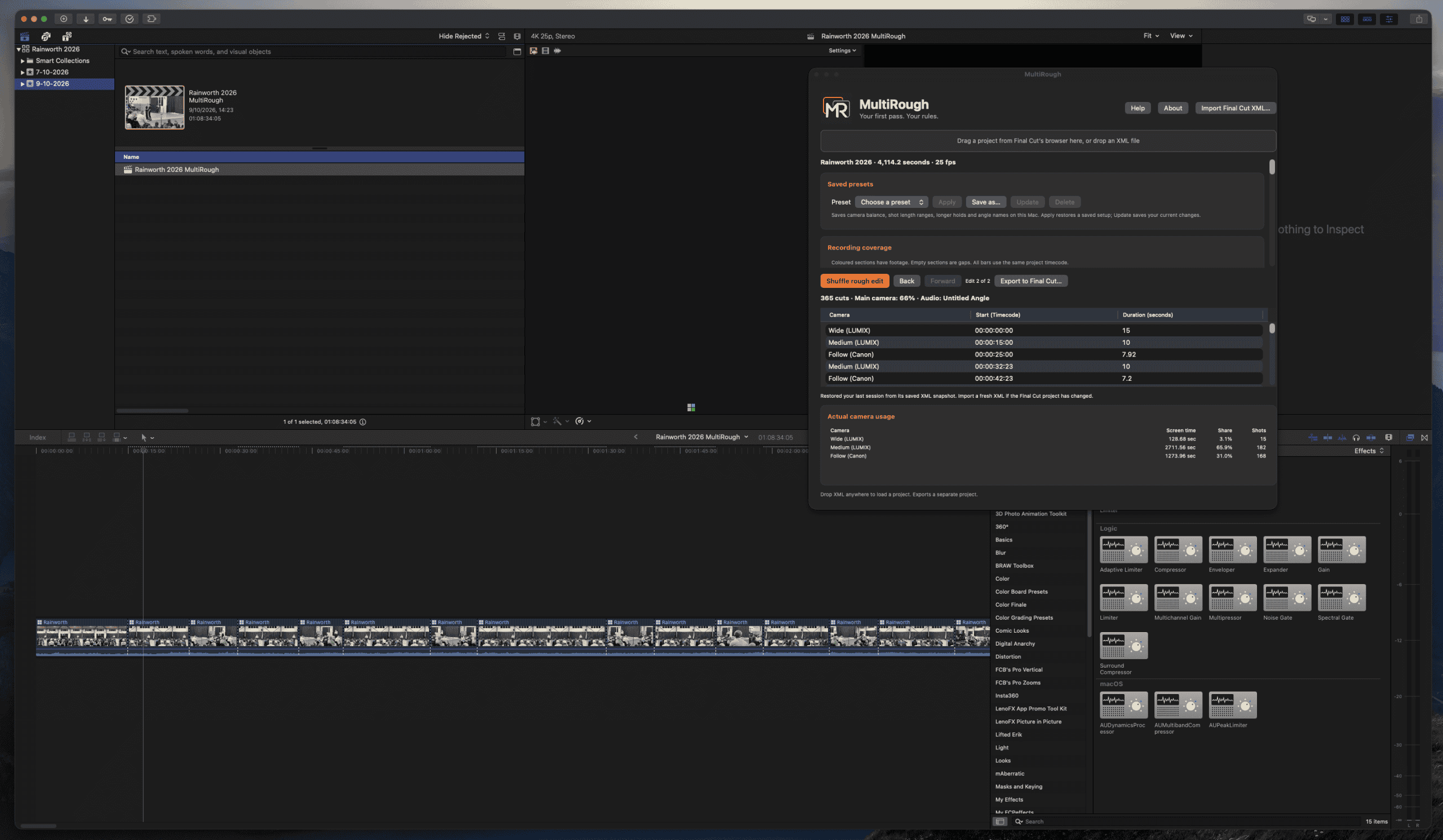
Install MultiRough
- Download MultiRough. If it comes in a disk image, open the disk image first.
- Copy MultiRough.app into your Applications folder.
- Open MultiRough once from Applications.
- Quit and reopen Final Cut Pro.
- Click the Extensions button on the left side of Final Cut Pro’s toolbar and choose MultiRough.
You can also open MultiRough as a standalone app and import a .fcpxml file or .fcpxmld bundle.
For the full manual, click Help inside the app or extension.
Support MultiRough
MultiRough is a free tool from Walk a Mile Media. If it saves you time, you’re welcome to make a contribution towards its development.
Contributions are optional and do not include additional support.
Share your feedback
Found a bug or have a suggestion? Let us know what happened and what you were trying to do.
For a bug report, include the MultiRough version, your macOS and Final Cut Pro versions, and the exact error message.